5 Best EPUB Translation Tools for 2026 (Reviewed)

Yee
Mar 19, 2026
2026 Review of 5 Worthwhile EPUB Translation Tools: How Should You Choose for E-book Translation?
If you're translating EPUB e-books, the real challenge usually isn't 'translating the text,' but rather what happens after: chapter structure breaks apart, table of contents stops working, image captions disappear, and when you load it back into your reader, the entire book's formatting falls apart.
So this article won't rehash the technical details of EPUB—instead, it directly answers a more practical question: Which EPUB translation tools are worth using in 2026, and which one fits your specific needs?
Bottom line up front: If what you need is direct EPUB processing, maximum preservation of book structure, and the ability to continue reading or distributing after translation, O.Translator remains the default first choice; If you're simply breaking down novels or non-fiction into plain text for reading, other general translation tools can work in a pinch—but that's no longer a complete EPUB workflow.
What should you focus on when evaluating EPUB translation tools?
Many articles emphasize 'how many languages are supported' or 'which AI model is more powerful,' but in EPUB scenarios, what truly impacts your experience are typically these capabilities:
- Native EPUB Support: Can it directly accept
.epubuploads, or do you have to unpack it first, convert to Word, or convert to TXT? - Structure Preservation Capability: Can it keep your chapters, table of contents, paragraph hierarchy, cover images, annotations, and image captions intact?
- Long-Text Consistency: In lengthy novels, humanities and social science books, or tutorials, can it maintain consistency in character names, specialized terms, and chapter tone from beginning to end?
- Usability of Reading Results: After translation, can the e-book still open and read normally in Kindle, Apple Books, or other readers?
- Price and Target Audience: Individual readers who just want to get the gist versus authors and publishing teams who need to produce distributable e-books—the selection criteria are completely different.
The simplest way to judge an EPUB tool comes down to this: Don't just check whether the translation reads smoothly—see if it actually translates 'the book' into a complete, readable book.
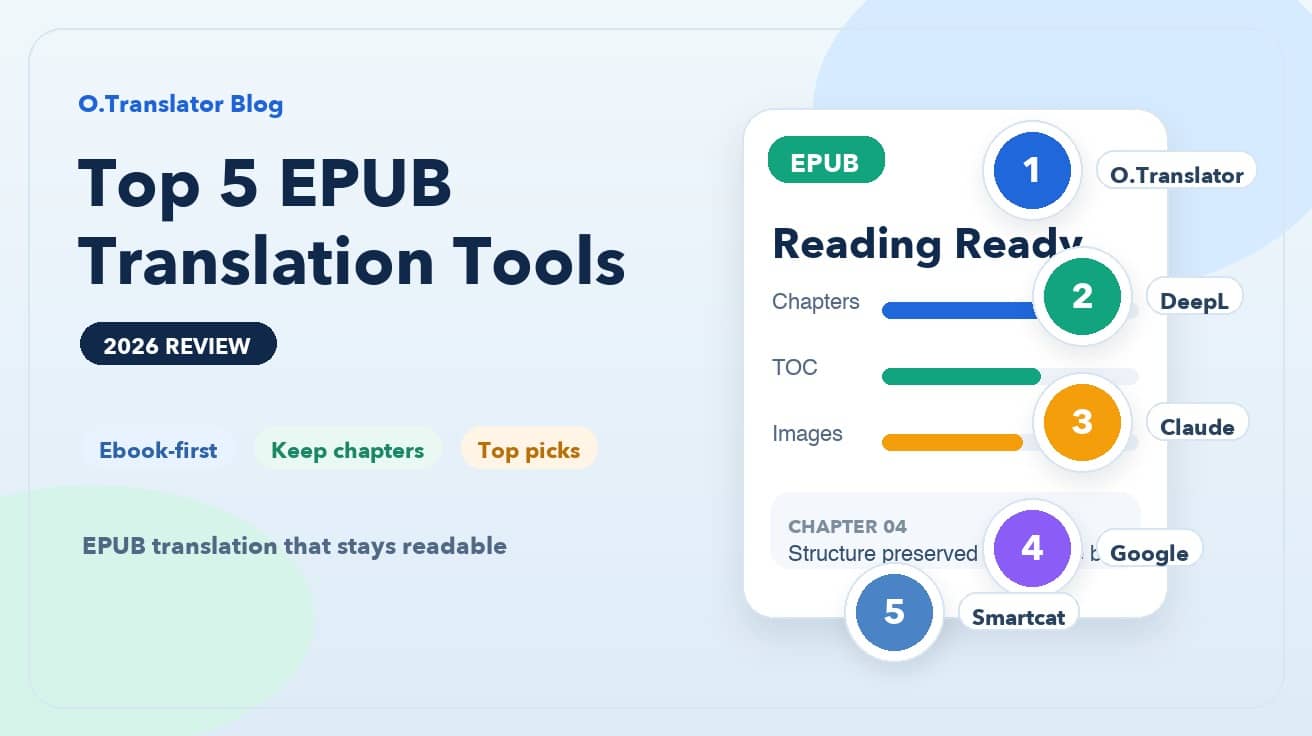
Top 5 EPUB Translation Tool Recommendations
1. O.Translator: The Default Choice for Complete E-book Workflows
If you're working with a finished EPUB file, the most straightforward path is usually to feed it directly into O.Translator.
Its advantage goes beyond just leveraging advanced AI models—it treats EPUBs as structured e-books rather than plain text. Chapters, table of contents, images, covers, and paragraph hierarchies typically remain intact, making it especially well-suited for scenarios that depend on a polished EPUB: long-form reading content, sample chapter distribution, and cross-language publishing tests.
For long texts, consistency matters more than individual sentence polish. O.Translator functions more like an e-book translation workbench for these tasks, rather than just a chat-based translator.
2. DeepL: Best for users who prioritize content quality over complex e-book structure
DeepL has consistently earned praise for sentence fluency and natural readability. When handling novel excerpts, standard long-form content, or chapter text, it typically delivers fairly smooth first drafts.
But the limitation is equally clear: excelling at 'translating content' doesn't equal excelling at 'processing EPUB books.'If your goal is to preserve the entire e-book's structure, table of contents, and reading experience intact, DeepL works better as a text-level reference tool rather than a complete EPUB delivery solution.
Put simply: if your priority is paragraph-level readability and flow, it's highly competitive; If your priority is ensuring the e-book still works like an actual book after translation, it's not your safest bet.
3. Claude: Best for Polishing Literary-Heavy Chapter Content
When working with literary-rich content—novels, essays, or dialogue-heavy works—Claude often delivers more nuanced results in tone, context, and subtle emotional undertones.
But it functions more as a powerful text creation and rewriting assistant than as a native EPUB translation platform. You can use it to refine chapters, polish passages, and compare different translation approaches, but it's not well-suited for handling the complete EPUB workflow from import to export.
This makes it better suited as a 'chapter-level refinement tool' rather than an 'e-book production pipeline tool.'
4. Google Translate: Good for quickly grasping content, but not for polished e-book output
Google Translate's strengths remain its low barrier to entry, fast speed, and zero cost. For quickly deciding whether a foreign-language e-book is worth your time, it's genuinely useful.
The problem is, once you need to process an entire EPUB, it almost inevitably reverts to the 'break the book into text' approach. You might quickly grasp the content's general meaning, but it's nearly impossible to preserve the e-book's structure, table of contents, and formatting—let alone produce a finished product ready for redistribution.
It's suitable for pre-reading assessment, not for producing formal e-book translation deliverables.
5. Smartcat—Best for Team Collaboration and Long-term Localization Projects
If your need isn't just about reading a book yourself, but rather continuously maintaining e-book content, working with reviewers, and managing glossaries and project workflows, then collaborative platforms like Smartcat become far more compelling.
Its value lies primarily in multi-user collaboration, translation memory, and terminology management—not in 'one-click perfection for your EPUB.'For publishing houses, content teams, and course material maintenance teams, this type of platform works more like workflow infrastructure.
The downside is equally clear: it's heavier and geared toward professional workflows. For everyday users who just want to translate one or two EPUBs, it's often overkill.
How should you choose for different scenarios?
If you don't want to evaluate all five tools, here's a quick scenario-based guide:
- Want to translate a complete EPUB while preserving structure and reading experience: Choose O.Translator
- If you prioritize text fluency over structure: Choose DeepL
- If you want to polish literary passages or compare different translation styles: Choose Claude
- If you just want to grasp the content and don't need a polished e-book: Choose Google Translate
- If you need team collaboration, terminology consistency, and long-term project management: Choose Smartcat
There's another common pitfall: extracting the EPUB to TXT or copying text into a chat window for translation, then attempting to repackage it back into an e-book. This approach may seem easier on the surface, but it's the fastest way to destroy your table of contents, image captions, chapter structure, and overall reading experience. For EPUB, what's truly expensive isn't the translation itself, but the time you spend trying to piece the "book" back together after tearing it apart.
Our final take from this review
Looking at EPUB translation in 2026, the real watershed is no longer "which AI translates sentences better," but "which tool actually understands e-books."If your goal is an EPUB you can actually read, test, share, or distribute, your default priority should be a complete workflow—not pure text machine translation.
For most e-book translation scenarios, O.Translator remains the most balanced choice: it handles EPUB files directly and delivers results that align with real e-book workflow requirements. If you happen to have a book you'd like to test, just run an actual EPUB with a table of contents, images, and multi-chapter structure through the tool—the results will be far more telling than any feature descriptions.