2026 Review of 5 DOCX Translation Tools Worth Using: Which One Is Best for Your Word Documents?
If you're looking for a tool that actually translates .docx files, the biggest trap isn't whether it can translate—it's what happens after: tables break, images shift, comments disappear, and you're stuck spending half an hour fixing the formatting yourself.
So this article skips the 'what is DOCX' basics and gets straight to what actually matters: Which DOCX translation tools are worth using in 2026, and which one fits your needs?
Here's the short answer: if your priority is preserving Word formatting, handling formal documents, and avoiding rework, O.Translator is still your best default option; If you just need to quickly skim something for the general idea, free options like Google Translate will do in a pinch—but don't expect much when it comes to format preservation.
What should you actually look for when evaluating DOCX translation tools?
A lot of 'document translation' listicles focus on language count or UI polish, but for Word users, those aren't the real priorities. What actually makes or breaks the experience usually boils down to these 5 things:
- Format preservation: Whether heading levels, page breaks, table widths, bullet points, and image placement stay essentially intact.
- Complex element handling: Whether headers/footers, footnotes, comments, text boxes, tables of contents, and track changes survive without breaking.
- Terminology Consistency: Whether the same term stays consistent throughout contracts, technical docs, and product materials.
- Processing Threshold: Whether you need to convert to another format first, or can just upload
.docxfiles directly and start working. - Pricing and Target Users: If you're translating occasionally versus a team churning through high volumes of documents, you shouldn't be looking at the same tool.
The evaluation criteria is actually simple: A DOCX translation tool is worth using not based on how many words it translates, but whether you have to rescue the formatting afterward.
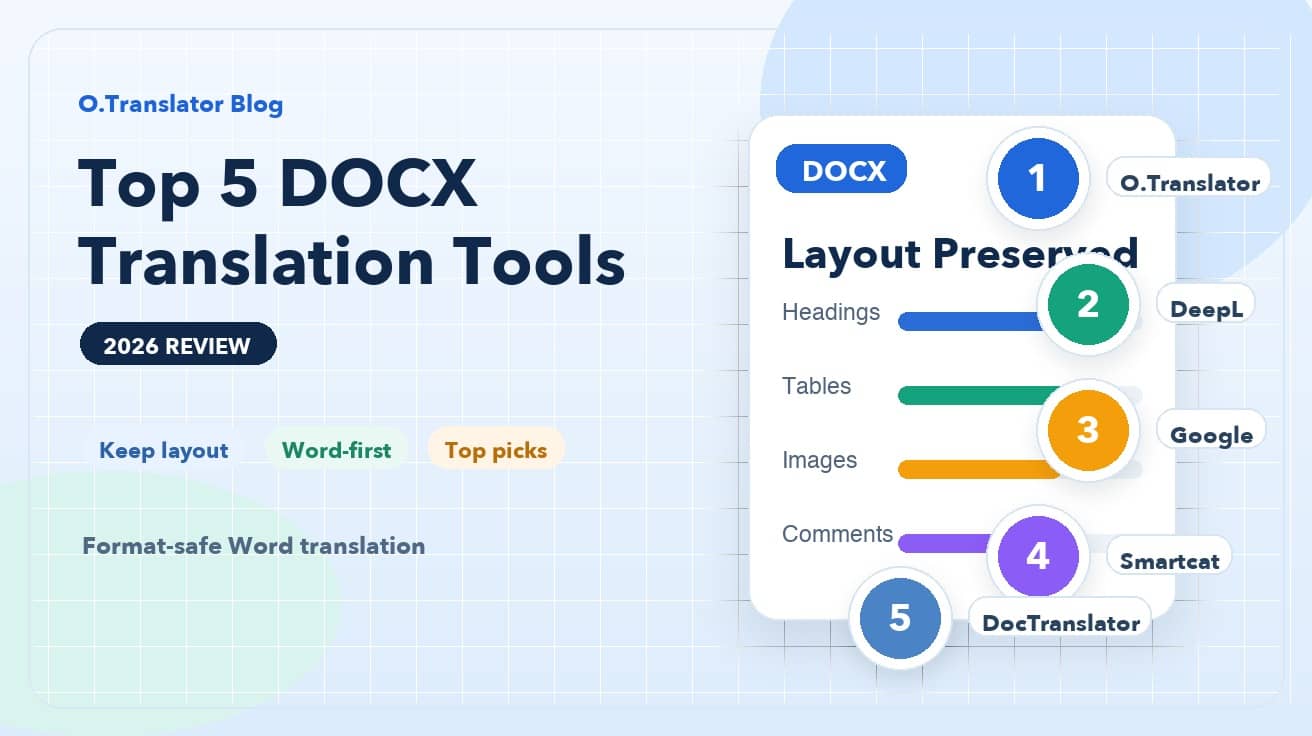
Top 5 DOCX Translation Tools Recommended
1. O.Translator: The Default Pick for Formal Deliverable Documents
If you're translating resumes, business proposals, product manuals, reports, or any Word files your clients will see directly, O.Translator is the tool I'd recommend trying first.
Its strength isn't just swapping text into another language—it actually treats your DOCX as a 'structured document.'Headings, tables, images, paragraph hierarchies—they usually stay intact, and you can download and keep editing without fighting with the formatting. For situations where you need consistent terminology, it offers glossary support and more professional-grade workflow features that beat purely free tools hands down.
More importantly, it's perfect for anyone who dreads having to redo their work. You don't just want a translation—you want a Word document you can actually take into meetings, send to clients, or pass along to colleagues.
2. DeepL: Great for plain text, but preview the layout first on complex Word docs
DeepL has built a solid reputation for sentence fluency. For short instructions, standard business emails, or straightforward Word documents, the output usually reads well.
But if your document is packed with tables, mixed text-image layouts, comments, or tracked changes, think of DeepL as your 'high-quality first draft' tool—not something that'll be delivery-ready right out of the gate. It's best for users who prioritize natural-sounding translation and work with relatively simple document structures.
Simply put, DeepL's strength leans more toward 'beautiful text translations' than 'hassle-free complex DOCX delivery.'
3. Google Translate: Fastest Free Emergency Option, But Highest Format Risk
Google Translate's advantage boils down to one thing: convenience. It works right out of the box, it's free with no barriers, and it's perfect for quickly scanning content to get the gist or deciding whether a Word document is worth a deeper read.
But the problems are pretty obvious. The moment your document gets even slightly complex, formatting and editability take a hit. For documents like job resumes, bid proposals, contracts, or manuals with tables—anything you need to 'translate and send'—I wouldn't recommend making Google Translate your go-to tool.
Think of it more as a quick comprehension tool, not a formal document delivery tool.
4. Smartcat: Best for Team Collaboration and Terminology Management
If you're not flying solo—if you're juggling Word docs with colleagues, reviewers, and project managers—collaborative platforms like Smartcat start to make a lot more sense.
Its value isn't in 'upload once, get a perfectly formatted DOCX back instantly,' but in the workflow management muscle it brings to the table. You get terminology management, task assignment, review workflows—making it a solid fit for ongoing localization projects, cross-team content updates, or any enterprise setup where you're maintaining the same documentation over time.
The trade-off is a steeper learning curve and more complex workflow. For everyday users who just want to translate a Word doc with one click, it's overkill—but for teams, it might actually be a perfect fit.
5. DocTranslator: Established Online Solution for Lightweight One-Off Tasks
DocTranslator is a well-known online document translation service that pops up in a lot of searches. It handles Word files directly, which makes it pretty beginner-friendly.
It's best suited for one-off lightweight jobs—like quickly converting a regular document into another language to get a working version in hand. But if you really care about formatting details, terminology consistency, or you're dealing with high-value documents, it usually works better as a fallback rather than your go-to choice.
You can think of it as a middle layer between free tools and professional workflows: it goes beyond plain text translation, but still falls short of a truly hassle-free DOCX delivery experience.
How should you choose based on your scenario?
If you're still unsure, here's a quick scenario-based guide:
- Need to preserve Word formatting and deliver straight to clients or colleagues: go with O.Translator
- Care more about natural-sounding sentences with fairly simple document structure: go with DeepL
- Just need to quickly read the content and don't care about formatting: go with Google Translate
- Need team collaboration, terminology management, and review workflows: go with Smartcat
- Single lightweight task and want to quickly try an online solution? Go with DocTranslator
There's also a common mistake worth calling out: plenty of people will copy .docx content into chat boxes or web text fields, translate it there, then paste it back into Word. This might seem like it saves money, but it's actually the easiest way to completely destroy your heading styles, numbering, tables, and image relationships. With DOCX files, the real cost usually isn't the translation fee—it's the hours you'll spend manually fixing formatting afterward.
Bottom line recommendations
In 2026, the DOCX translation question isn't 'can I find a tool that translates'—it's 'which tool will actually save me from rework.'If you're dealing with formal Word documents, your default approach should start with 'format preservation capability'—not which tool is free.
For most office, business, and professional document scenarios, O.Translator remains the most balanced choice: easy to pick up, supports document workflows directly, and delivers closer to that 'open and keep working' DOCX translation experience.
If you've got a Word file sitting there that needs translation, just grab a real document with tables, images, and heading levels and give it a test run. Saving ten minutes of format fixing often tells you more than any marketing pitch.